Cold, Warm, or Hot Standby: The Practical Difference for Live Stage Control
The stage lift is four meters up and still climbing. You're 12 seconds into cue 7. The scenery is exactly where it needs to be — until it isn't, because your primary console just locked up.
No warning. No countdown. Black screen.
What happens in the next 30 seconds depends entirely on one question: does your control system have hot standby redundancy?
1. Without It: Here's What You're Managing
When the control console goes down, the motion control system loses its command source. Depending on how your safety system is configured, the machinery either holds position or triggers a Category 0 stop — immediate, uncontrolled halt.
Either way, the sequence that follows is one nobody wants to manage in front of a live audience:
This isn't a hypothetical. Hardware fails. Software crashes. Operating systems push updates at the worst possible moment. If you've been in this industry long enough, you've either lived through it yourself or heard about it from someone who has.
2. Three Types of Backup — Only One Actually Works Mid-Show
"Backup" is one of those words that sounds reassuring until you ask what it actually means. In control systems, there are three distinct architectures — and they are not equally useful during a live performance.
a. Cold Standby
The backup system is powered off and shelved. When the primary fails, you manually power up the secondary and bring it online. Recovery time: several minutes, minimum. Workable for non-critical applications. Not workable mid-show.
b. Warm Standby
The backup is running, but synchronization is periodic — not continuous. When the primary fails, the secondary takes over with data that may be seconds or minutes out of date. An improvement, but there's still a gap — and in live performance, gaps are expensive.
c. Hot Standby
Both primary and secondary run simultaneously. System state is mirrored between them continuously and automatically. When the primary fails, the secondary already holds every piece of current data and takes control immediately — without interruption.
The analogy that makes this stick: think of a twin-engine aircraft. Both engines are running the whole time. If one fails, the other handles the load without pause. You're not "starting the backup engine" after the first one quits — that's cold standby, and the plane is already in trouble. Hot standby is both engines running. All the time.
In a stage automation context, the technical term for what hot standby delivers is bumpless failover: the switchover happens without any disruption to control output. Position data is fully preserved on the secondary, because it was already being synced in real time. The machinery doesn't know it just changed commanders.
3. What This Actually Looks Like on Site
The most common live deployment is simple:
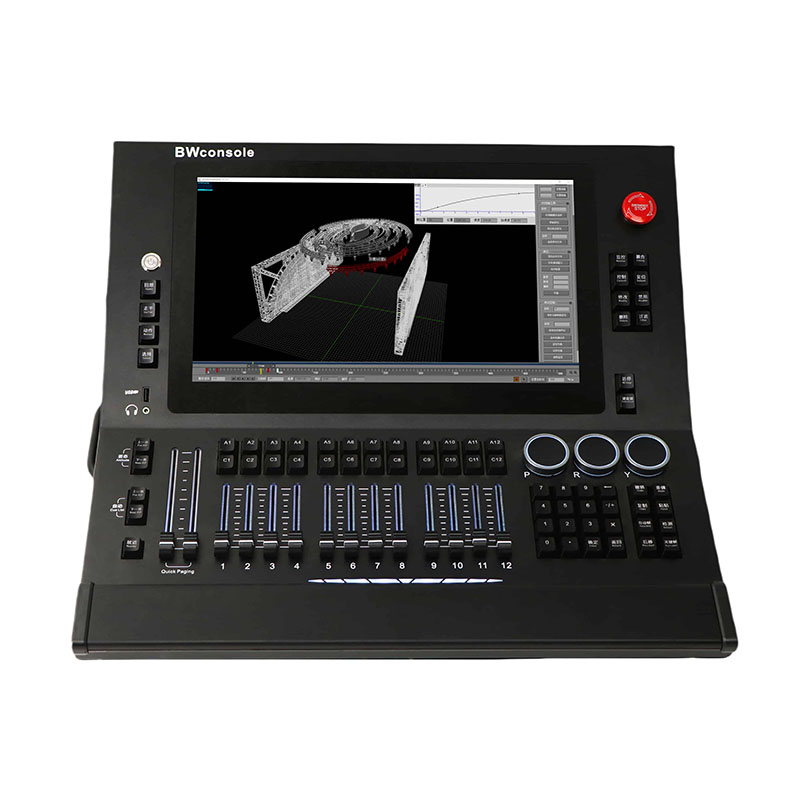
Primary: Hardware control console
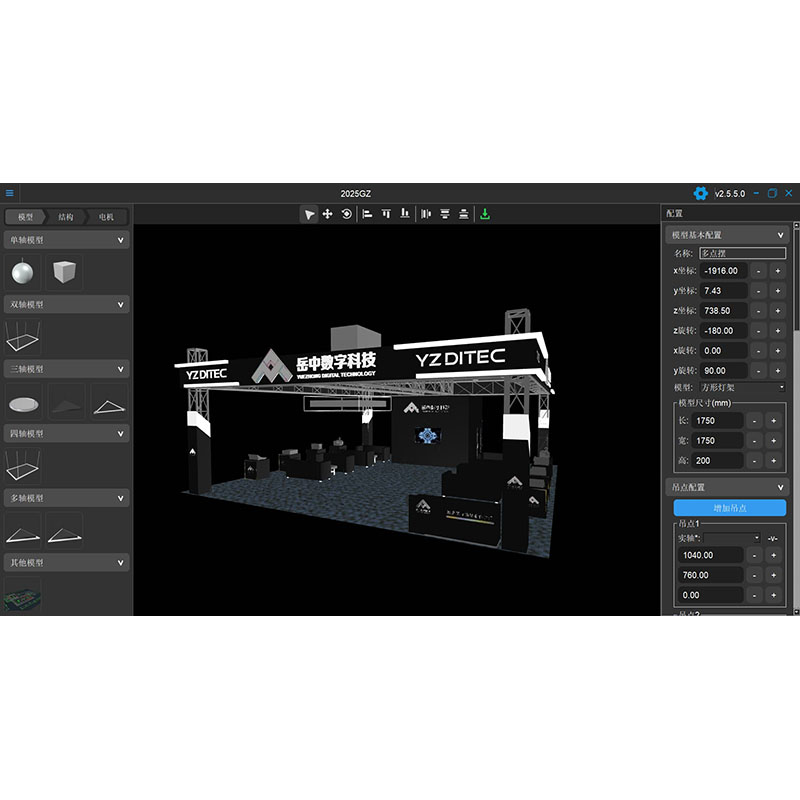
Secondary: Laptop PC running the same control software
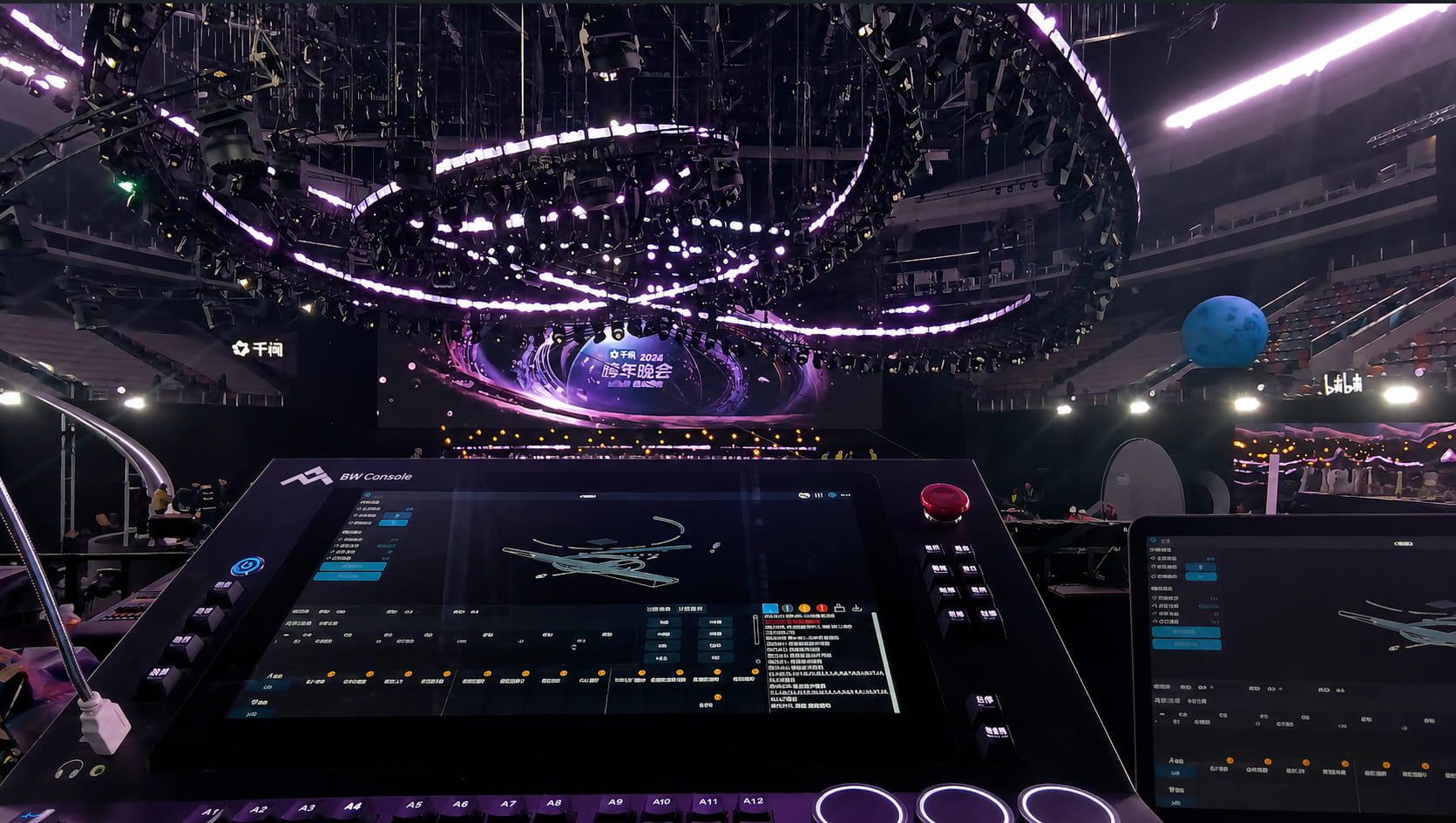
Both devices connect to the same local network. Primary and secondary roles are assigned in the system's basic settings. Once started, synchronization runs continuously in the background — no manual steps, no additional configuration required.
If the primary console faults mid-show, here's what happens:
No homing required. No show file reload. No manual position verification. That's bumpless failover in practice.
For permanent venues or productions that require a higher redundancy tier, dual-console configurations (Console ↔ Console) are also supported — same network, same synchronization logic, same failover behavior.
(Dual-redundant control setups have been standard spec on major touring productions for years — the logic is simple: if one control instance fails, the other is already live and synchronized.)
4. The Version Divergence Problem — and Two Ways to Fix It
Hot standby handles in-show failures. But there's a separate scenario that needs its own solution.
Operator A takes the laptop offsite. The sync link severs. Back on-site, Operator B continues editing the show file on the console — adding cues, revising existing ones. The following day, both devices reconnect. The show files no longer match: version mismatches, conflicting cue sequences.
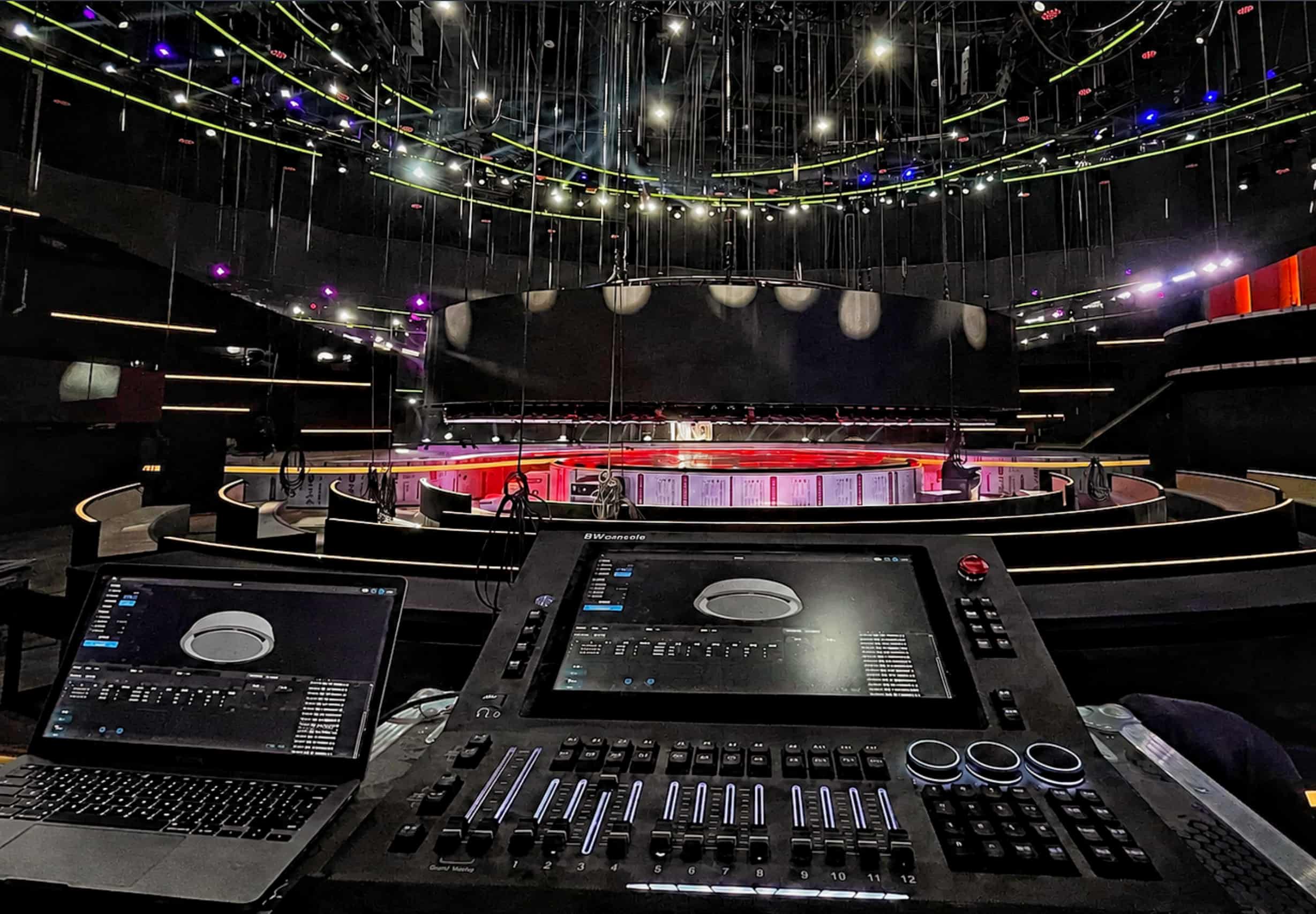
In the BW Console, both operations are executed directly within the system's synchronization interface.
Two ways to resolve this:
Option 1 — One-Click Sync
Push the complete, up-to-date show file from one device to the other in a single action. Full overwrite. Fastest method. Best when one version is clearly correct.
Option 2 — Selective Sync
Manually select which cues to synchronize. Push only the changed content, preserving valid data on both sides. Best when both devices hold useful edits that need to be merged carefully.
Both methods are unidirectional: you decide which version is authoritative, then push it. No ambiguity, no accidental overwriting of the wrong file.
5. What It Means for Each Stakeholder
Directors and production managers: A console hardware failure doesn't stop the show. Show continuity is a design guarantee — not a hope.
Automation operators: The difference between "we have a backup running" and "we're flying without a net" is one of the most significant shifts in on-site psychological load you'll experience. It's real, and anyone who's been in both situations knows it.
Technical directors and buyers: Control redundancy is a spec-level decision, not an afterthought. For productions beyond a certain scale — or venues with stricter safety classifications — hot standby isn't a premium feature. It's a baseline engineering expectation.
6. What Hot Standby Doesn't Cover
Worth being clear about the limits.
Hot standby protects against control-layer single-point failures — specifically, the console or PC going down. It doesn't:
Hot standby and your mechanical safety systems — Category 0/1 E-stops, overload protection, dual-channel position feedback — are parallel, complementary safety layers. One doesn't substitute for the other. A complete safety architecture needs both.
7. Back to That Dark Screen
The lift is at four meters. Cue 47 is running. The primary console is black.
With hot standby: The operator glances at the laptop. The show continues. The console fault gets handled quietly in the background. The audience notices nothing.
Without it: The machinery stops. The director's radio crackles. The show is on hold.
Those two outcomes are separated by a pre-show configuration, a five-minute check before the doors open, and the discipline to keep both devices running every single night.
YZDITEC's Pando 3D Simulation CNC System (BW Console) supports Console ↔ PC and Console ↔ Console hot standby redundancy configurations, deployable across touring productions, live concerts, and permanent venue installations.

 Tel : +86 13714472831
 Email : ysstagetech@gmail.com
 No18, Wenchang road, Hailong street, Liwan district, Guangzhou, China


 IPv6 network supported
Blog
| Sitemap
| XML
| Privacy Policy
IPv6 network supported
Blog
| Sitemap
| XML
| Privacy Policy
 English
 español
 русский
 한국의
한국의 العربية